Session 1: Basics (March 25, 2026)
Time: 11 am - 12 pm (30 minute Q&A afterwards)
(Sessions recordings will be sent to all who sign up).
This session is for anyone that creates documents that will be shared as a PDF, and/or those that share PDFs on behalf of others.
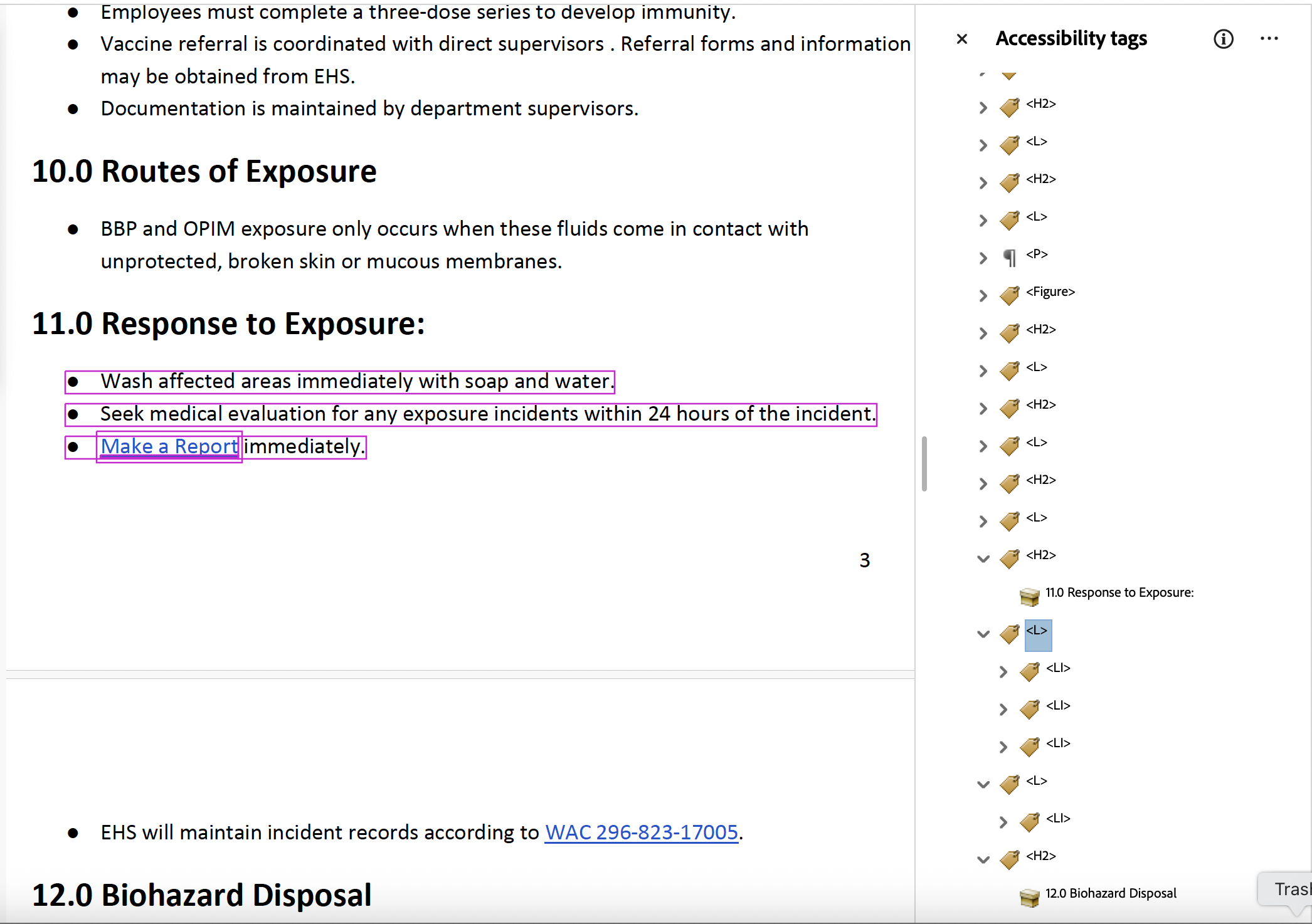
Learn tag names and their functions, as well as common errors and reading order warnings
that every document needs to be checked for before being shared as a PDF.
Session 2: Forms (March 26, 2026)
Prerequisite, “Basics”
Time: 11 am - 1 pm
This session is for any and all authors of fillable PDF forms.
Learn about the components of a <Form> tag and how to adjust the Properties in the
“Prepare a Form” tool to meet accessibility standards, not all of which are even caught
by Adobe Acrobat’s Accessibility Checker. Bring your forms! We’d love to hear from
your area and tackle real-world examples.